
Add your app icon and splash screen (Icon & Splash)
Build Your App · AppPresser डॉक्युमेंटेशन
Add your app icon and splash screen (Icon & Splash)
हा लेख अद्याप भाषांतरित झालेला नाही, त्यामुळे तो इंग्रजीत दाखवला आहे.
Your app journey: step 3 of 9, Connect and set up. New here? Read Start here: build your app with AppPresser first.
What you'll do: Add your app icon, the small picture people tap on their home screen, and your splash screen, the picture that shows while your app opens.
Before you start
- Make an icon picture: a .png file, 1024 by 1024 pixels, with no see-through (transparent) parts.
- Make a splash picture: a .png file, 2732 by 2732 pixels, with no see-through parts.
Tip: Not sure how to start? Click Download sample image next to the size rules in each section. You get a picture in the right size to design on.
Add your app icon
- In the left menu, under Customization, click Icon & Splash.
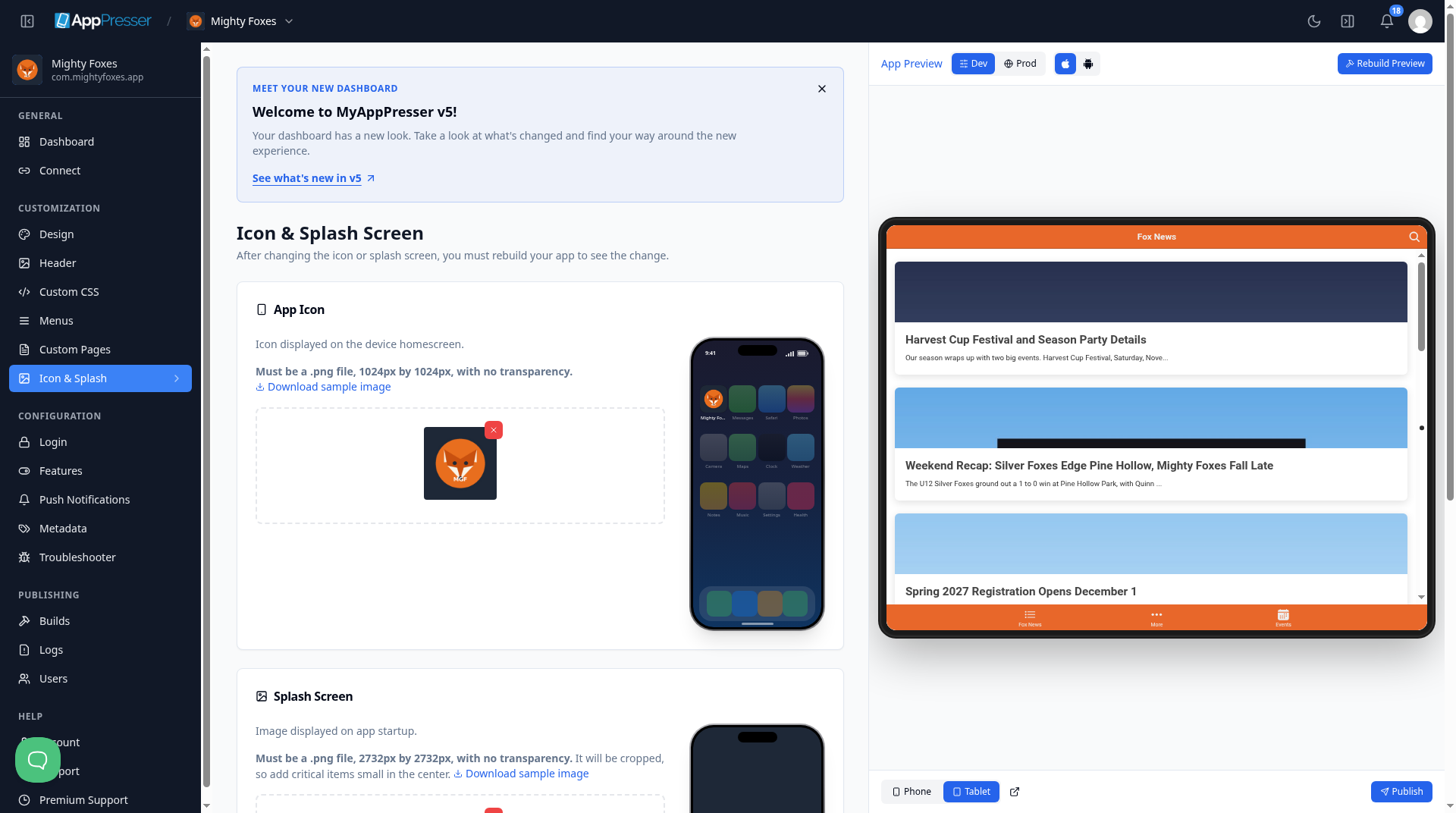
- Under App Icon, click Upload file.
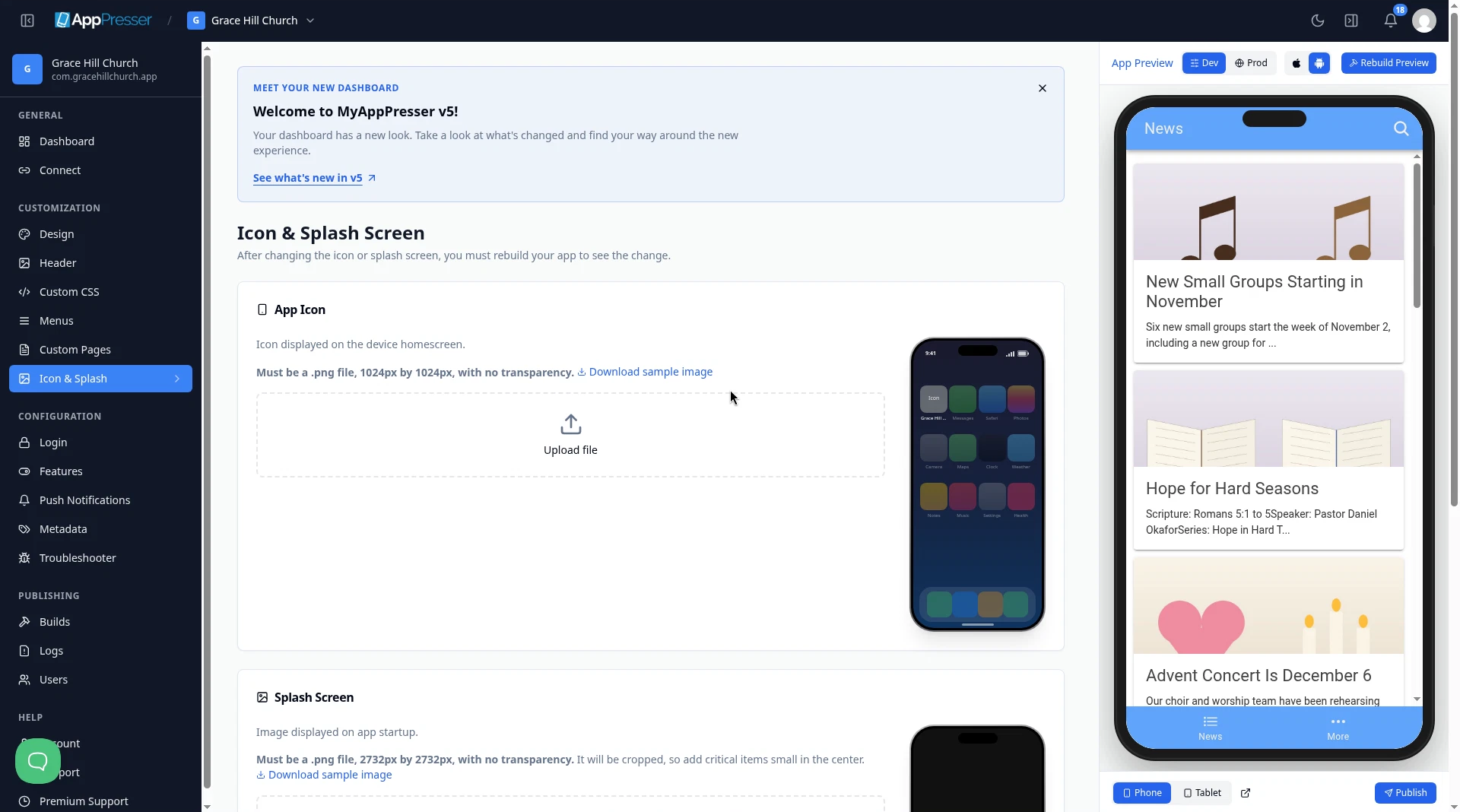
Choose your 1024 by 1024 .png file. The phone picture next to the box shows how your icon looks on a home screen.
Add your splash screen
- Under Splash Screen, click Upload file.
- Choose your 2732 by 2732 .png file. Check Splash Preview to see how it looks.
Careful: The splash picture gets cut off at the edges on some phones. Keep your logo and any words small and in the middle.
Choose background colors
- Under Background Colors, pick a Splash Background Color. It shows around your splash picture on phones with a different screen shape.
- Pick an Icon Background Color. On Android, your icon sits on a layer of this color.
- Click Save.
Choose colors that match your pictures for a seamless look.
Careful: You see the new icon and splash screen only after you make a new build of your app. See Build your iOS and Android apps (Builds tab).
You're done when your icon and splash pictures show on the Icon & Splash Screen page and Save is gray again.
Next step
Related articles
हे उपयुक्त होते का?
आपण टाइप करताच निकाल अपडेट होतात. शोधाकडे जाण्यासाठी स्लॅश दाबा.
सापडत नाही?
आमची सहाय्य टीम सेटअप, बिल्ड्स आणि app store विषयक प्रश्नांमध्ये मदत करू शकते.