
Let people choose personalized ads (Ad Settings block)
Build Your App · AppPresser डॉक्युमेंटेशन
Let people choose personalized ads (Ad Settings block)
हा लेख अद्याप भाषांतरित झालेला नाही, त्यामुळे तो इंग्रजीत दाखवला आहे.
Your app journey: step 4 of 9, Add pages and features. New here? Read Start here: build your app with AppPresser first.
What you'll do: Let people choose whether they see personalized ads, which are ads picked for them based on what they do.
Before you start
- Turn on the Advertisements feature for your app (the Dashboard calls it Ads). It shows ads in your app using AdMob. If it has an Upgrade label, your plan does not include it. See Turn on app features (Features).
Add the block
This block has no settings.
- In the left menu, under Customization, click Custom Pages.
- Click the name of the page you want to change. To make a new page instead, click Add New Page, type a title, keep Page Builder selected and click Create Page.
- Below the last block on the page, click Add Block.
- In Search blocks…, type Ad Settings, then click the block. It is added to the bottom of the page.
- Click Save Changes at the top of the editor.
- To see a new page in the App Preview, add it to a menu. See Add a page to your app menu.
What you see in the app
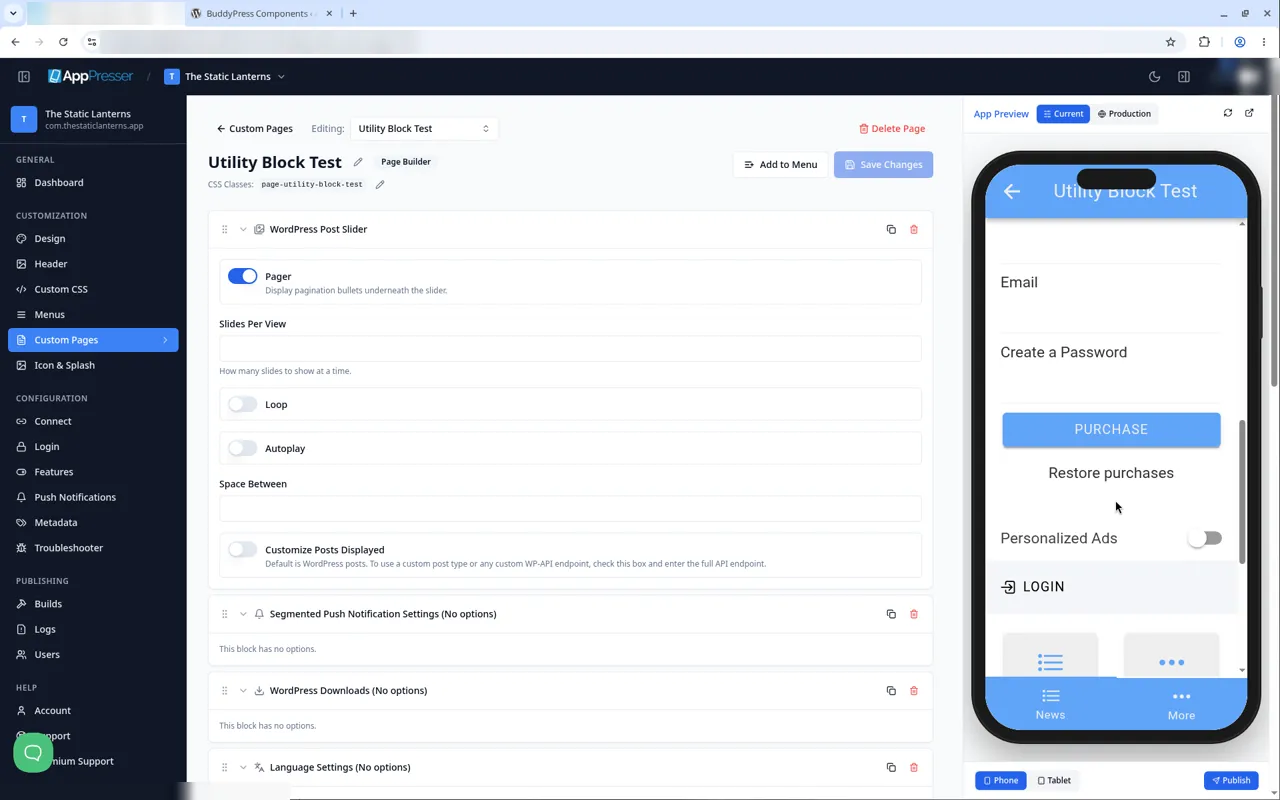
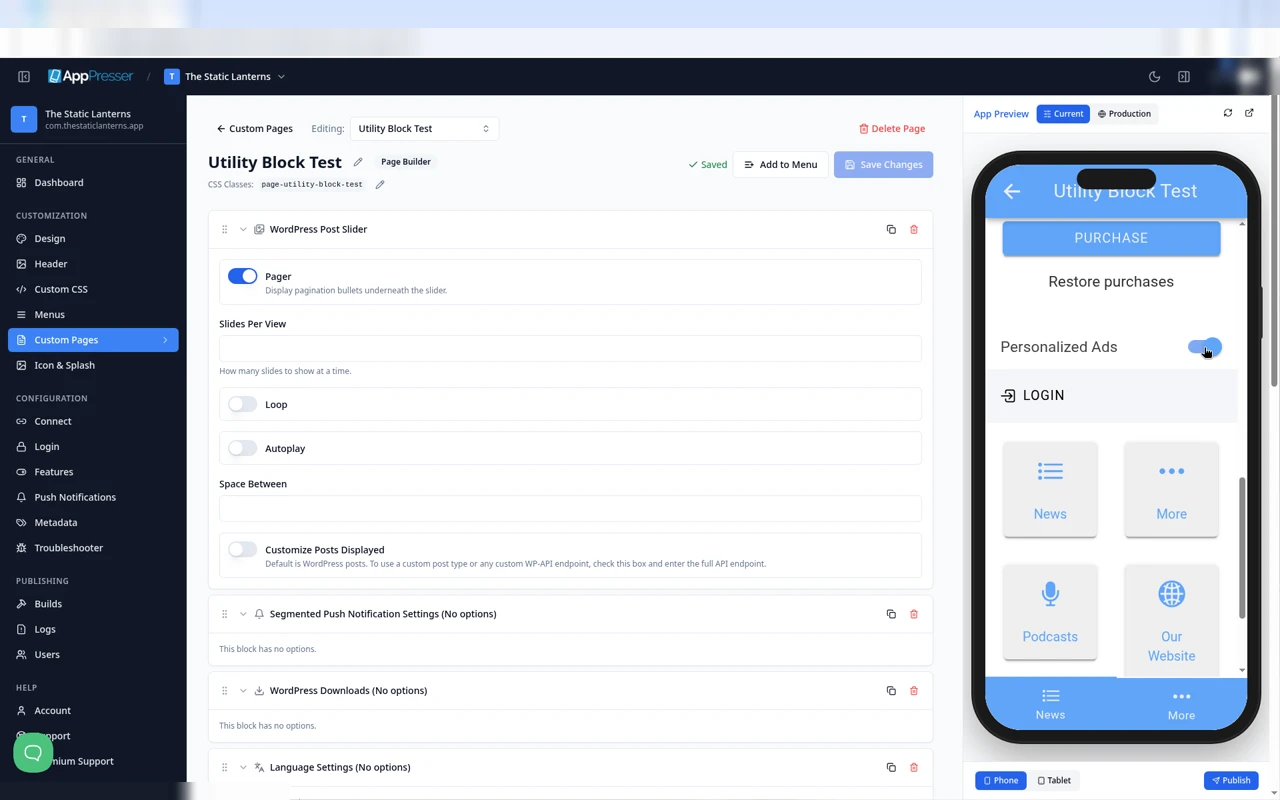
The block shows a Personalized Ads switch. It starts off, and people tap it to turn it on.
Tips
Tips
- To move a block, drag it by its handle (the dots on the left). Click the arrow to fold it closed.
- To copy a block, click the Duplicate icon.
- To turn a setting on or off, click the switch itself, not the words next to it.
- After you save, open the page in the App Preview and check your changes.
Careful: The trash icon removes a block right away. Check before you click.
You're done when the block shows on your page in the App Preview.
Next step
Let people choose a language (Language Settings block)
Related articles
हे उपयुक्त होते का?
आपण टाइप करताच निकाल अपडेट होतात. शोधाकडे जाण्यासाठी स्लॅश दाबा.
सापडत नाही?
आमची सहाय्य टीम सेटअप, बिल्ड्स आणि app store विषयक प्रश्नांमध्ये मदत करू शकते.