
A members-only app for your membership site
Protect your content, let users register and log in, and show members only what their membership allows, all from your WordPress site.
- Same login as your website
- Respects your membership levels
- Works with MemberPress, Restrict Content Pro and more
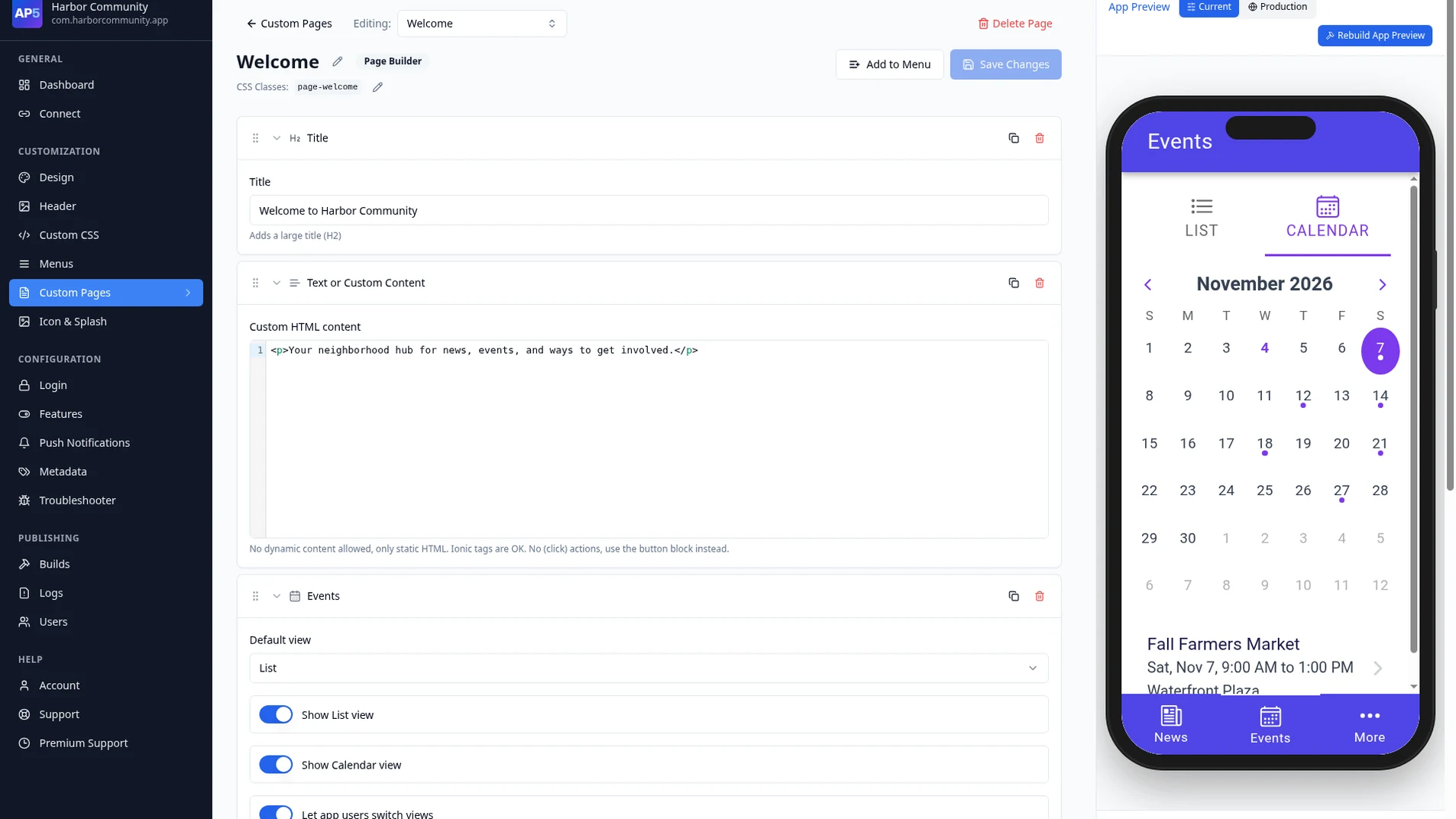
A perfect companion to your membership site
A mobile app increases the value of your members-only community and lets you engage members in a new way: push notifications, faster access to your content, and more engagement.
Integrate plugins such as Restrict Content Pro, MemberPress, Paid Memberships Pro, Woo Memberships, and lots more. Any WordPress pages are protected the same way as on your website. (API based integrations need a membership plugin that supports the WP-API, or custom code.)
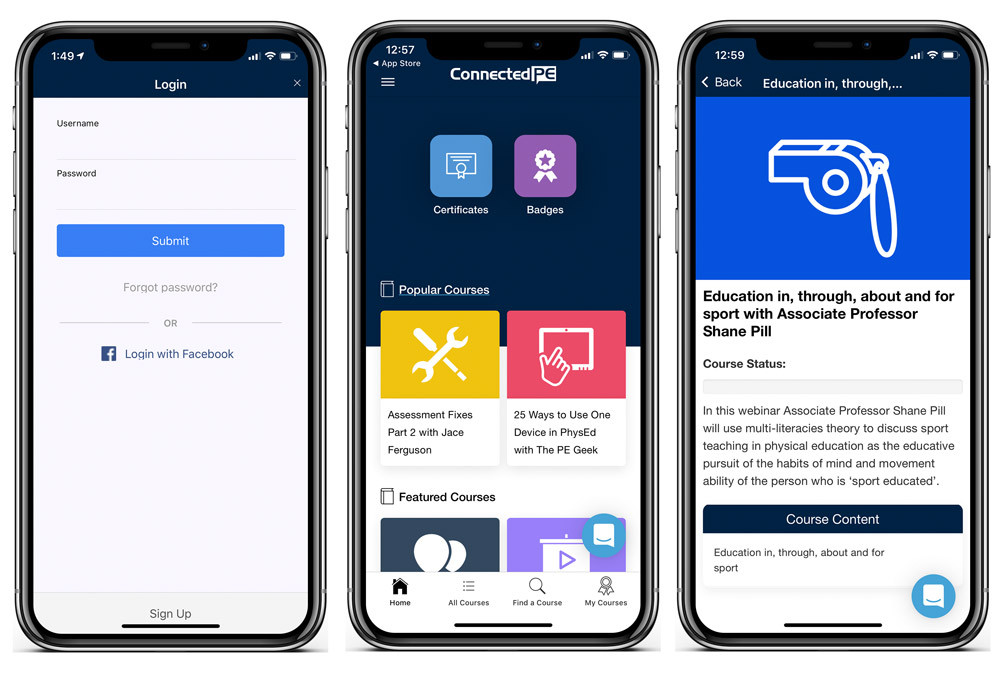
Login and registration, built in
A fast, API based login and registration modal.
Same account everywhere
Any user on your WordPress site can use the same login for the app, and new users can register in the app.
Password reset & verification
Includes password reset and email verification.
Member-only menus
Hide menu items and page components for logged-out users. Logged-in members see their name and avatar in the side menu.

In-app purchases, without losing your margin
If you sell a premium membership on your website and allow access to premium content in the app, the app stores require an in-app purchase. All purchases go through the app stores, and they take 15-30% of the revenue.
Many sites create an in-app purchase that costs more than the website, and tell app users it costs less to sign up on the website. Most people sign up there, and in-app signups still work. See an example in the Art of Manliness app on our examples page.
In-app purchases need some extra setup. Learn more about in-app purchases, or read all the ways to protect membership content in your app.
Built on AppPresser 5
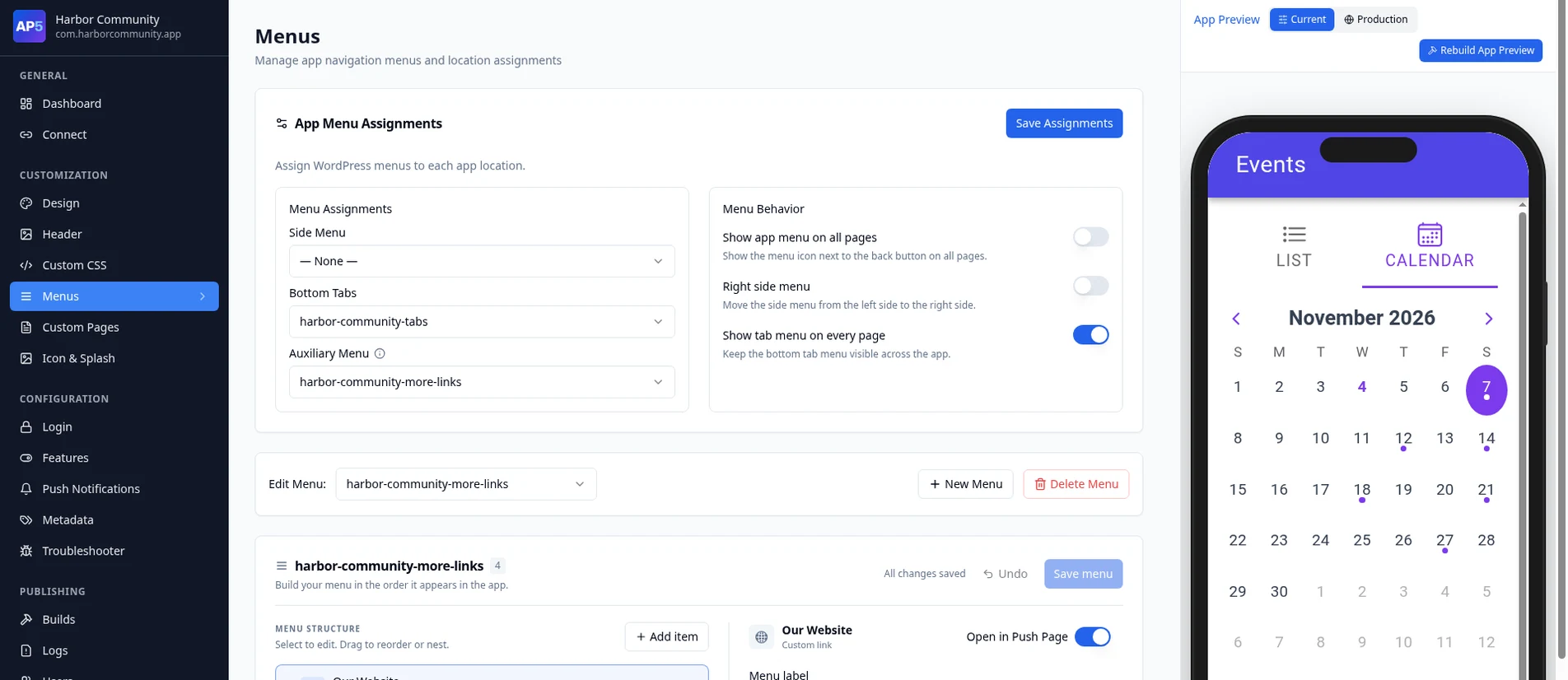
Design your app’s pages in the Page Builder and see each change in a live app preview before you publish. Add pages to bottom tabs or a side menu, customize your design, icon and splash screen, then preview on phone or tablet and publish.
- What’s new in AppPresser 5: the new app builder with a live app preview
- App Events, now built into Core5: show upcoming events as a list, a calendar, or both
- Push notifications on every plan
Login and sign up in AppPresser 5
People log in to your app with their account from your WordPress website. To make this work, install the JWT Authentication for WP REST API plugin on your site, as described in the Connect setup steps.
In the app builder, under Configuration, click Login. There you can:
- Add a login button to the side menu.
- Force people to log in before they see anything in your app.
- Let people register from the app’s login screen, and add your terms and conditions to sign up.
- Turn on Apple Sign On and Google Sign On, so people can log in with their Apple or Google account. Social sign on needs the Advanced plan, and Google sign on uses Firebase.
To show a login bar on a single page instead, add the Login Toolbar block to that page. Step by step instructions: Set up login.
Frequently asked questions
Do members need a separate account for the app?
No. Any user on your WordPress site can use the same login for the app. New users can also register through the app.
Does the app respect different membership levels?
Yes. WordPress pages are protected the same way as on your website, and all membership content is protected through your membership plugin.
Do I have to use in-app purchases?
Only if you sell premium access in the app. If members can reach premium content in the app, the app stores require that they can also buy it there with an in-app purchase.
Can members log in with their Apple or Google account?
Yes. Turn on Apple Sign On and Google Sign On in the app builder under Configuration, Login. Social sign on needs the Advanced plan, and Google sign on uses Firebase.
Explore related features
LearnDash apps
Courses, lessons, quizzes and student login in your app.
BuddyPress apps
Activity, profiles, friends and messages with AppCommunity.
WooCommerce apps
Products, cart, orders and your existing checkout.
Ready to build your app?
Every plan comes with a 14 day free trial.