
Get your AppPresser account
Getting Started · AppPresser 文档
Get your AppPresser account
本文尚未翻译,因此以英文显示。
Your app journey: step 1 of 9, Sign up and sign in. New here? Read Start here: build your app with AppPresser first.
What you'll do: Pick an AppPresser plan, start your 14-day free trial and sign in for the first time. You need a plan before you can build an app.
Before you start
- A WordPress website you manage. WordPress is a popular tool for running a website. Your app shows content from this website.
- An email address you check. AppPresser uses it for your account and for build emails.
Choose a plan
- Go to the AppPresser Pricing page at apppresser.com/pricing.
- Compare the three plans: Standard, Professional and Advanced. Every plan includes an iPhone (iOS) app, an Android app and push notifications.
- Choose to pay monthly or yearly.
- Click the purchase button under the plan you want.
- Fill in your details and finish checkout.
Every plan starts with a 14-day free trial.
Tip: Some features need a bigger plan. Segmented notifications and team members come with Professional and Advanced. In-app purchases and Apple/Google Login come with Advanced.
Sign in for the first time
- Go to myapppresser.com. This is your AppPresser dashboard, where you build your apps.
- Type your username or email address and your password.
Click Sign in. Your Account page opens.
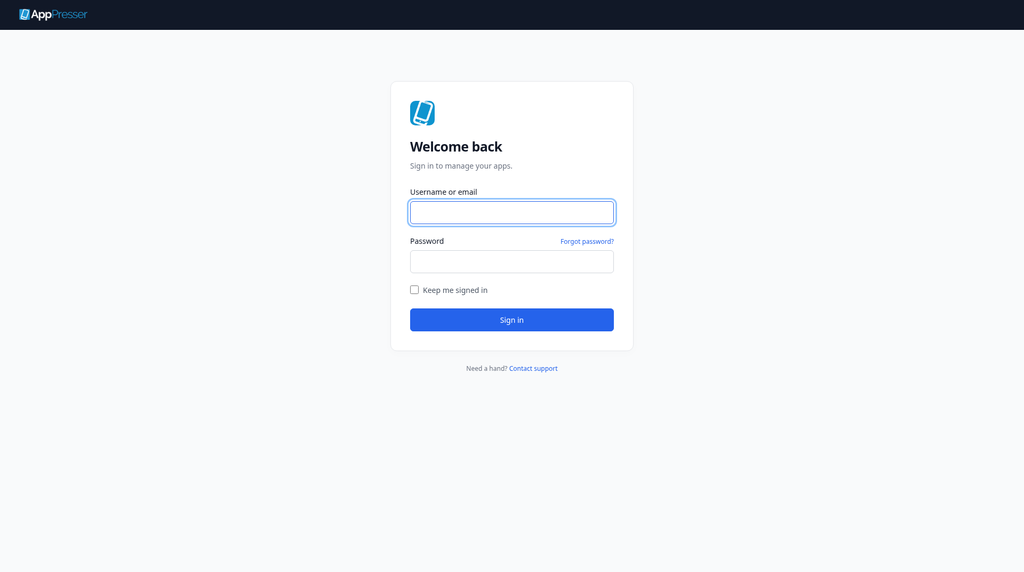
Need help choosing a plan? Click Contact support at the bottom of the sign-in page.
You're done when you can sign in at myapppresser.com and see your Account page.
Next step
Sign in to your AppPresser dashboard
Related articles
这篇文章对您有帮助吗?
输入时结果会实时更新。按斜杠键(/)可跳转到搜索。
没有找到?
我们的支持团队可协助解决设置、构建和应用商店相关问题。