
Check your app logs (Logs)
Publish and Grow · AppPresser 文档
Check your app logs (Logs)
本文尚未翻译,因此以英文显示。
Your app journey: step 6 of 9, Build your app. New here? Read Start here: build your app with AppPresser first.
What you'll do: Check the Logs screen for messages about your app's builds, push delivery and errors reported from phones. Look here when a build or push message doesn't work.
Before you start
- Open your app in the builder. See Get to know the app builder.
Open your logs
- In the left menu, under Publishing, click Logs.
- Click a tab. The number on each tab shows how many messages it has.
- System Logs: messages about build setup, build activity, push delivery and other dashboard events.
- App Logs: errors and messages your app sends from people's phones.
- Click Refresh to load the newest messages.
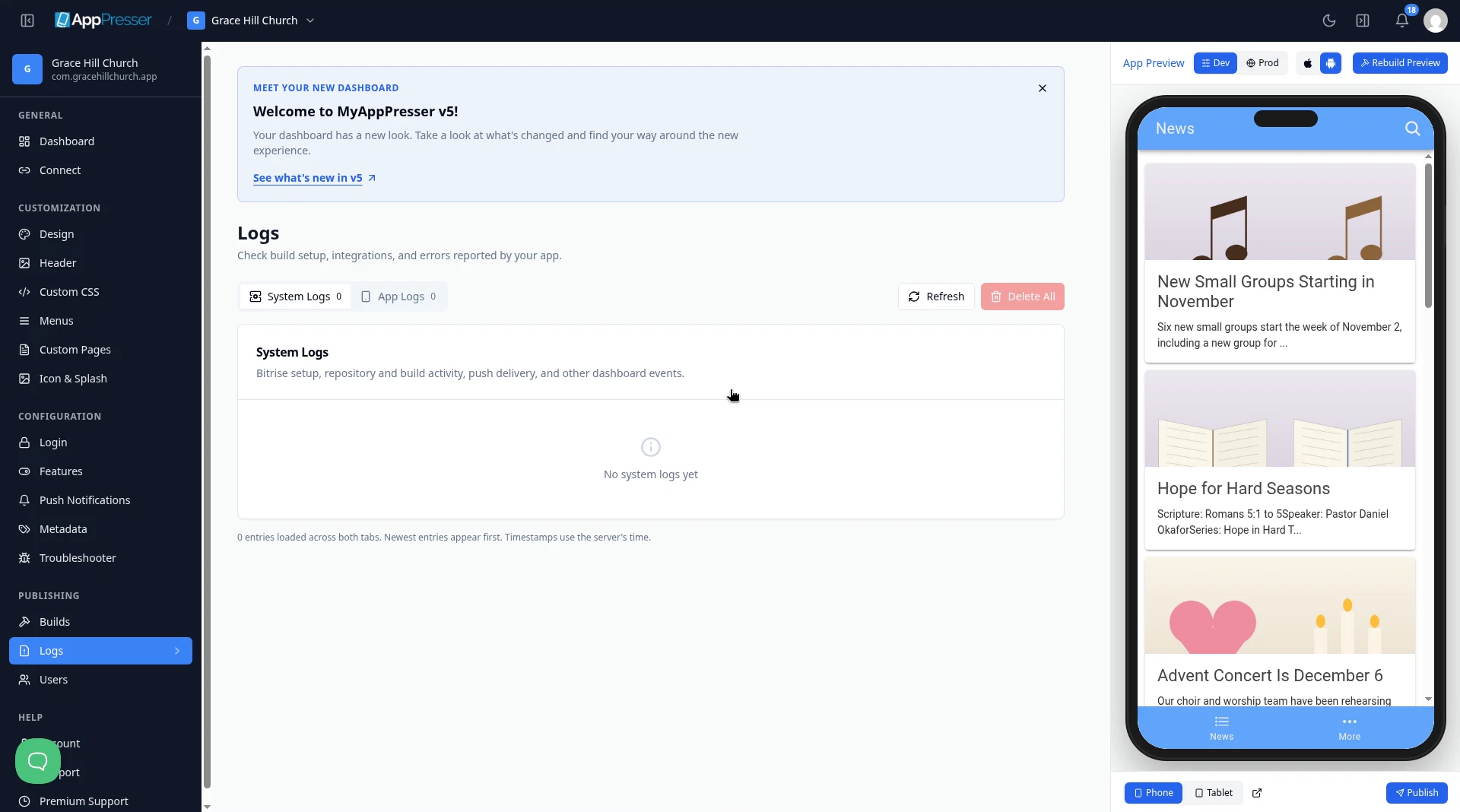
The newest messages are at the top. Each message has a label, such as Error, and the date and time. Times use the server's clock, which may not match your time zone.
Clean up old messages
- To remove one message, click Delete next to it.
- To remove every message, click Delete All.
Careful: Deleted messages can't be brought back. If you need help with an error, contact support before you delete it.
You're done when you can see the newest messages for your app.
Next step
Related articles
这篇文章对您有帮助吗?
输入时结果会实时更新。按斜杠键(/)可跳转到搜索。
没有找到?
我们的支持团队可协助解决设置、构建和应用商店相关问题。