



The Whittier Chamber app “showcases our members, chamber events, and chamber news.” Residents and business owners can search the chamber’s member directory, call a business with one tap, copy an address into their favorite mapping app and see what is coming up on the community calendar. It is built with AppPresser.
In this featured app spotlight, we take a closer look at the team behind Whittier Chamber, what the app does, who it serves, and why it is such a strong example of what happens when a WordPress site and a mobile app work together.
Who Is Behind Whittier Area Chamber of Commerce
The Whittier Area Chamber of Commerce has served the business community of greater Whittier, California, since 1914. Its mission is “to promote and develop the economic, cultural and civic welfare of Whittier” by offering members business networking events, business development, educational opportunities, marketing assistance and legislative advocacy. Its vision is “to build a prosperous community through business leadership.”
The chamber is guided by a 20 member Board of Directors that meets monthly to review its business plan and make sure its programs support that mission. Its board chair for 2026 to 2027 is Liz Apodaca of My Attorney LA. The chamber describes its work as referring businesses to potential new clients, connecting members through networking, supporting new businesses as they start up, educating members on business matters, advocating for businesses in the legislative arena and providing marketing and business consulting services.
Beyond its events, the chamber publishes Business Focus and a Community Resource Magazine, recognizes members through programs like its 110% Club and is supported by a team of volunteer ambassadors. Its offices are at 8158 Painter Avenue, two blocks north of Whittier Boulevard. The App Store lists DigiCal, Inc., a web design and hosting company found in the chamber’s own directory, as the app’s publisher. The chamber is online at whittierchamber.com.
What the Whittier Chamber App Does
The Whittier Chamber app brings the chamber’s three most important resources together: its members, its events and its news. A bottom bar switches between Home, Events, Directory, Contact and More, and a search bar at the top of every screen helps people find what they are looking for fast.
Here are the main areas the app covers:
- A searchable member directory, organized alphabetically with each business’s category.
- One tap calling, so people can phone a member business straight from the directory.
- Copy address, to paste a member’s address into Google Maps, Waze or another mapping app.
- Chamber events and all events tabs, covering the chamber’s own programs and events hosted by members.
- Featured events and chamber news on the home screen.
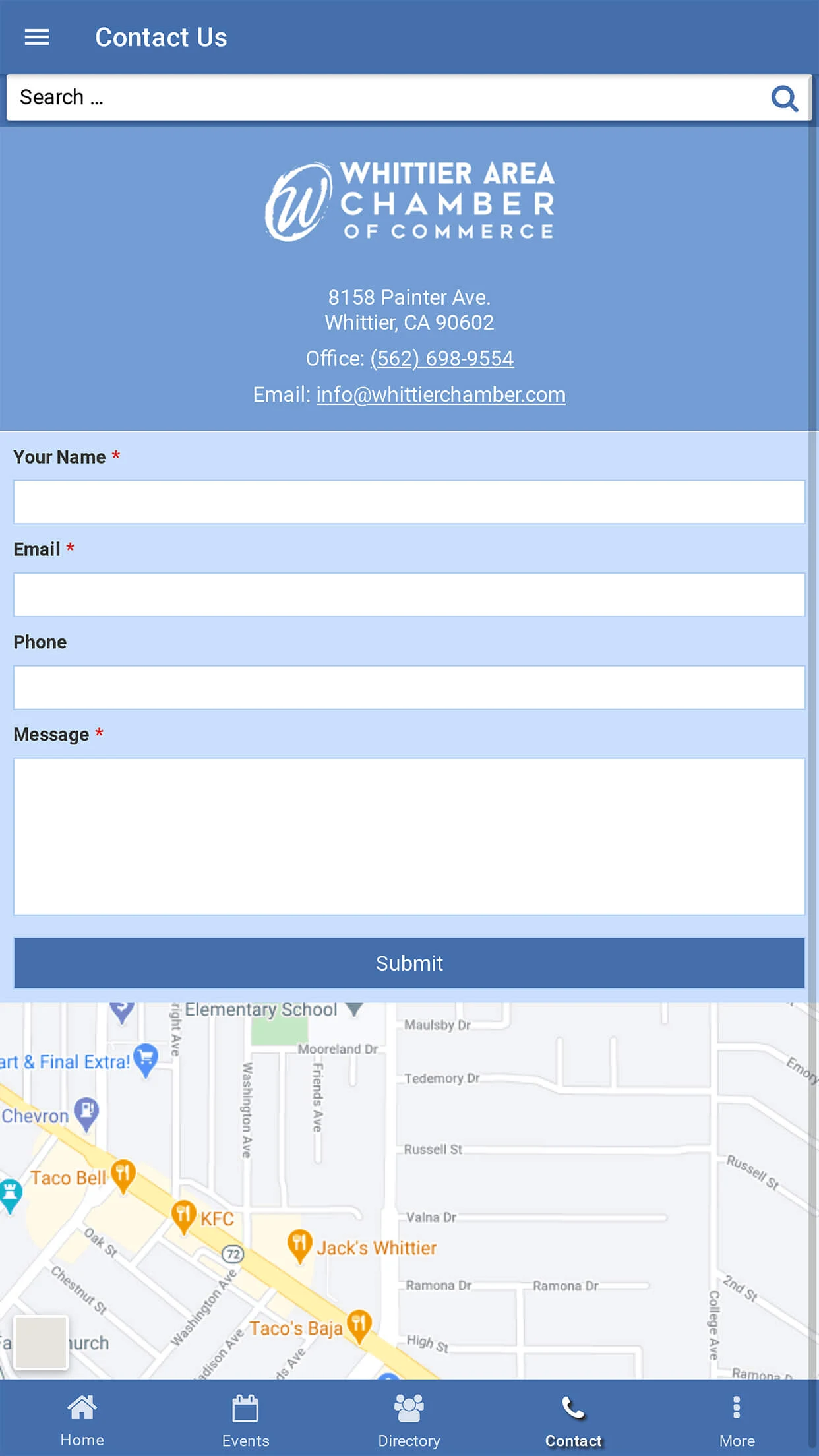
- Contact, with the chamber’s address, phone and email, a message form and a map.
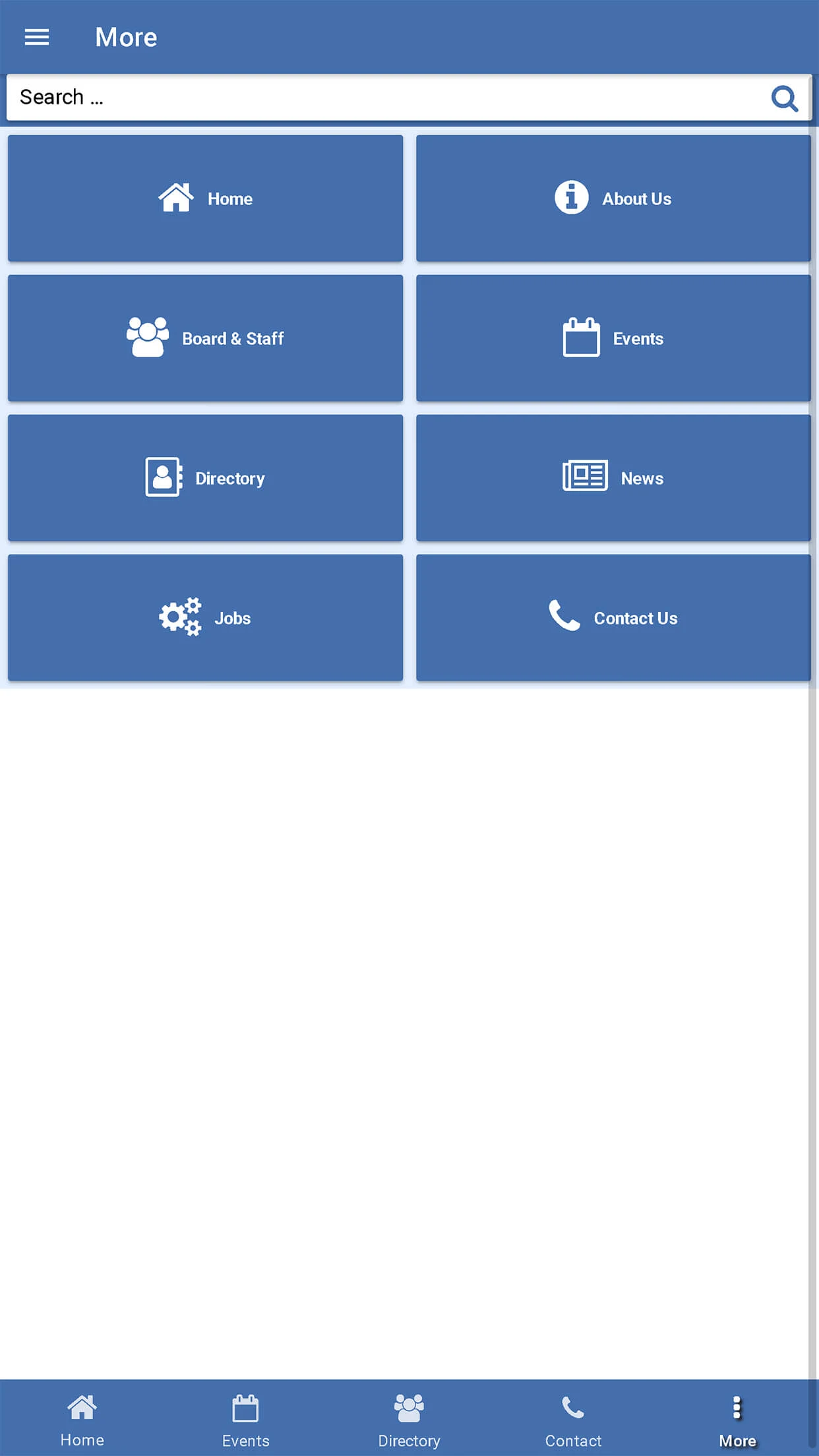
- More, with buttons for Home, About Us, Board and Staff, Events, Directory, News, Join and Contact Us.
- Join, for businesses that want to become chamber members.
What makes the Whittier Chamber app distinctive is how directly it helps local businesses get found. Every member listing is a phone call or a map search away, so when a resident needs a dentist, a roofer or a hotel, the chamber’s members are the first businesses they see.
App Screenshots
Here is a look at the app. Use the arrows or the numbered buttons to move through the screenshots.

Test Drive the App
The best way to understand the Whittier Chamber app is to try it. Download it on iPhone or Android, search the directory for a local business, then check Events to see what the chamber has coming up.




Key Features That Stand Out
Chamber News
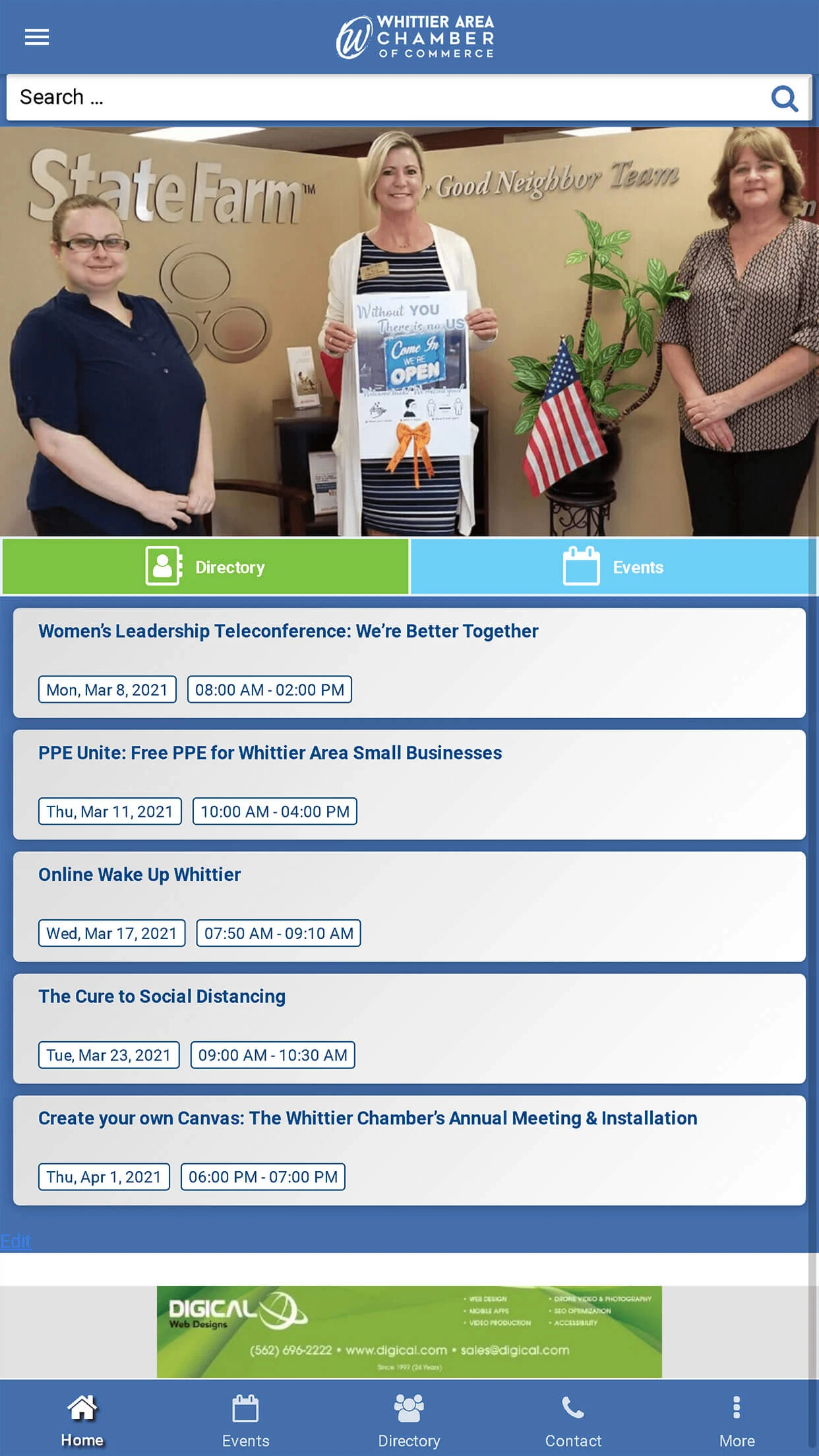
The home screen leads with a featured photo from chamber life, quick buttons for the Directory and Events, and a list of upcoming programs. In the screenshots, that includes a Women’s Leadership teleconference, a free PPE drive for Whittier area small businesses, Online Wake Up Whittier and the chamber’s annual meeting and installation. It shows at a glance how active the chamber is.
Member Directory
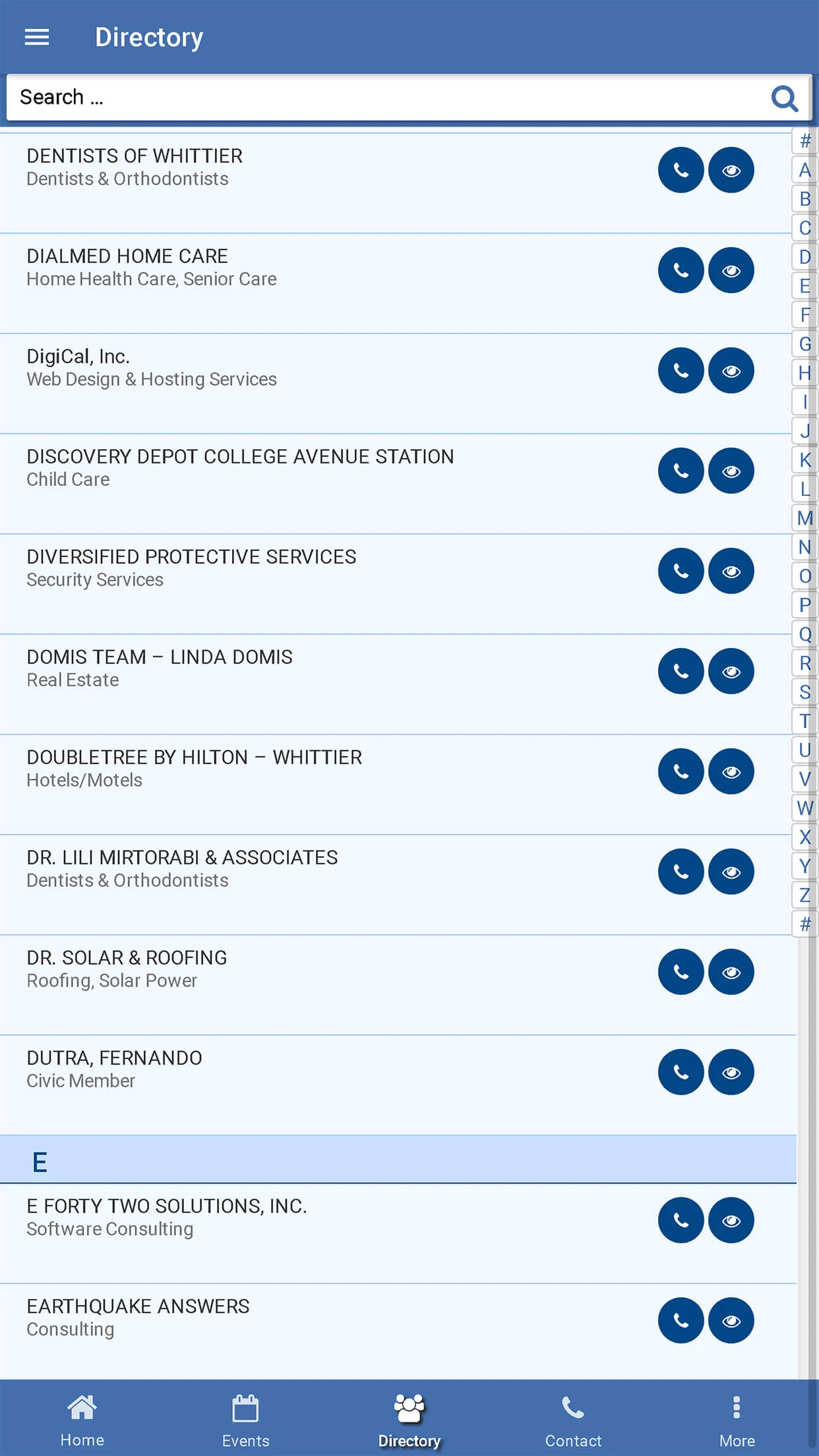
The Directory lists chamber members alphabetically, from dentists and home care providers to web designers, child care centers, security services and hotels. Each listing has buttons to call the business or view its details. A search bar at the top finds a specific member in seconds.
Events
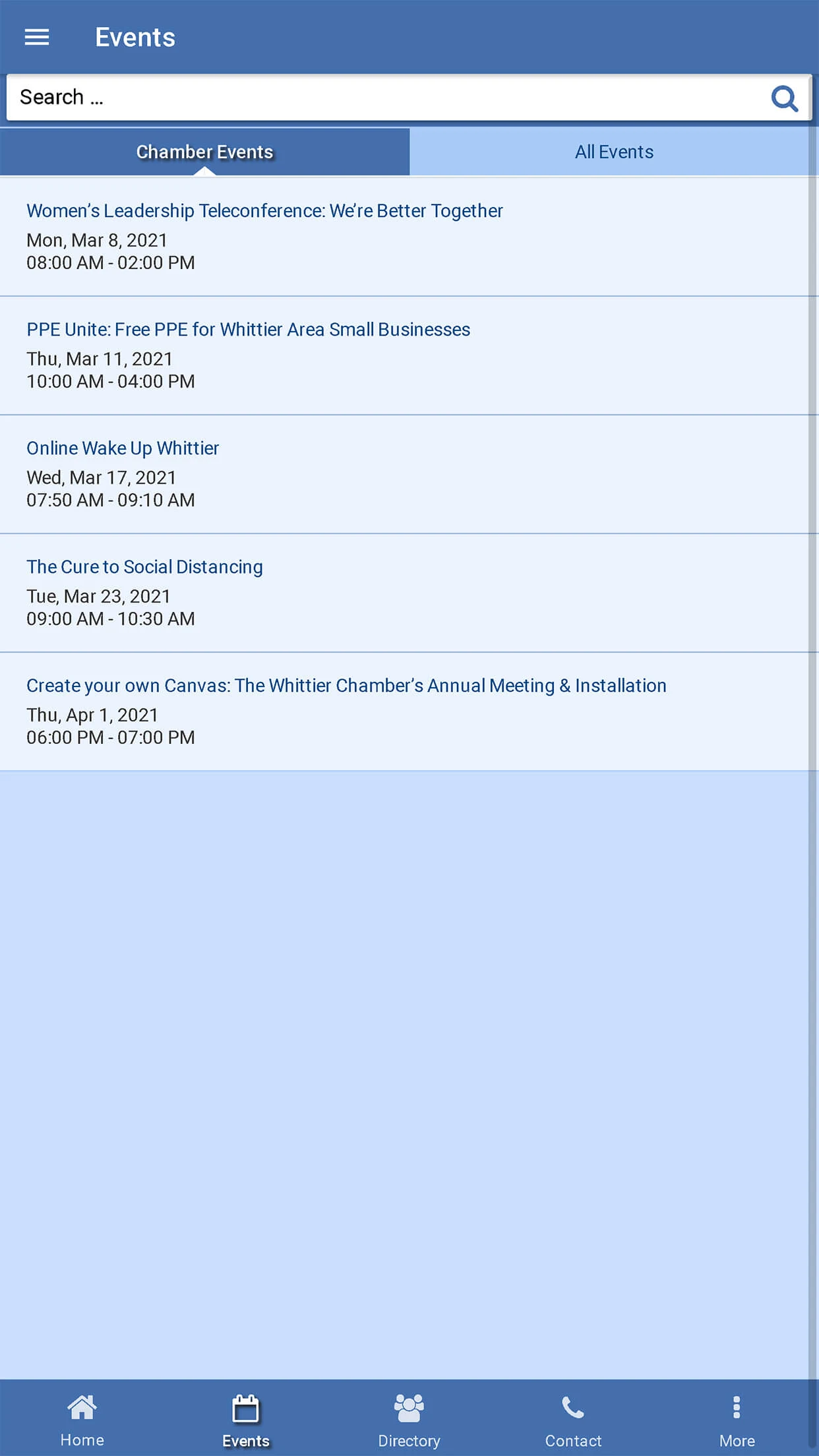
The Events screen offers two tabs, Chamber Events and All Events, so people can see the chamber’s own programs or everything happening among its members. Each event shows its title, date and time. Business owners can plan their networking calendar right from their phone.
More
The More screen gathers large blue buttons for Home, About Us, Board and Staff, Events, Directory, News, Join and Contact Us. It is the app’s map of everything the chamber offers. New businesses can learn about the chamber and start the process of joining in a couple of taps.
At a Glance
- The app of the Whittier Area Chamber of Commerce in Whittier, California.
- From a chamber that has served greater Whittier since 1914.
- A searchable member directory with one tap calling and copyable addresses.
- Chamber events, member events and chamber news.
- Contact details, About Us, Board and Staff, and Join.
- Available on iPhone, iPad and Android.
- Powered by the chamber’s WordPress site through AppPresser.
Who Whittier Chamber Serves
The Whittier Chamber app is built first for chamber members. Listing their business in an app that residents can search, call and map from gives them another way to be found, and the events calendar helps them make the most of the chamber’s networking and educational programs.
It also serves local shoppers and residents. When someone in Whittier needs a service, the directory offers a trusted list of chamber member businesses, each just a tap away.
Finally, it serves business owners who are thinking about joining. The app shows what the chamber does, who leads it and what events it hosts, and the Join button makes it easy to take the next step.
Technology Behind the App
The Whittier Chamber app is powered by the chamber’s own WordPress site, whittierchamber.com.
The app is built from WordPress, and WordPress drives it. Member listings, events and news live on the WordPress site, and AppPresser carries that content straight into the app, so updates made on the site show up in the app without a separate system to manage.
Looking at the site itself, these are the platforms behind the experience:







What Whittier Chamber Shows About AppPresser
The Whittier Area Chamber of Commerce runs its website on WordPress, and the app shows how AppPresser can help a chamber promote its members. The directory, events and news the chamber already manages online become a practical tool in people’s pockets.
It also shows how small touches make an app useful. One tap calling and a copy address button for any mapping app turn a simple directory into something people will use when they actually need a business.
And it shows how AppPresser serves organizations of every kind and size. A century old local chamber can offer its community the same kind of polished app experience as much larger organizations.
Congratulations to the Whittier Area Chamber of Commerce on building an app that helps Whittier’s businesses get found. We are proud to have AppPresser behind it.
Do You Want Your Own App?
If your organization already runs on WordPress, launching your app with AppPresser is simple. Your app pulls directly from the website you already manage, so every update you make to your site appears in your app automatically. Ready to get started on your app right now? Check out our pricing page.
Not on WordPress yet? AppPresser can still help. Our team can move your website onto WordPress and then set up your app, so everything works together from the start. And if you need something more tailored, from custom features to a completely custom app, our custom development services have you covered.
If you need help or have any questions, tell us about your organization and what you’d like your app to do, and we’ll get back to you with a clear answer on costs and next steps.